
P0514 Code: Battery Temperature Monitoring

P0514: Battery Temperature Monitoring
Temperature plausibility and battery state are different observations. Do not transfer the Giulia update, learning procedure or battery-monitor layout to another model without current VIN-specific service information.
DIAGNOSTIC FOCUS
- FAULT TYPE
- Battery Temperature Sensor Circuit Range/Performance
- FIRST CHECKS
- Record battery-monitor and PCM faults, recent battery work and available temperature data before deciding whether the specific software branch applies.
Temperature plausibility and battery state are different observations. Do not transfer the Giulia update, learning procedure or battery-monitor layout to another model without current VIN-specific service information.
P0514: Battery Temperature Sensor Circuit Range/Performance. Record battery-monitor and PCM faults, recent battery work and available temperature data before deciding whether the specific software branch applies.
Temperature plausibility and battery state are different observations. Do not transfer the Giulia update, learning procedure or battery-monitor layout to another model without current VIN-specific service information.
What Does the P0514 Code Mean?
P0514 concerns battery-temperature monitoring performance in the applicable vehicle. It does not by itself mean the battery is defective, the charging system is overcharging or a hybrid traction battery has failed. Confirm which battery-monitoring component and controller the manufacturer associates with the complete fault.
FCA bulletin 18-030-17, dated March 23, 2017, includes P0514 battery-monitor-module temperature monitoring performance on eligible 2017 Alfa Romeo Giulia GA vehicles with the 2.0L EC2 engine, built on or before February 27, 2017 in the stated NAFTA scope. Its PCM update is a specific software branch, not a repair for every P0514 vehicle.
Temperature plausibility and battery state are different observations. Do not transfer the Giulia update, learning procedure or battery-monitor layout to another model without current VIN-specific service information. Save the original fault status, the reporting controller and the conditions that produced the event. Current, pending and historical records carry different information. Do not erase that distinction before the first inspection.
Retain the reporting controller, complete description and suffix. A shortened scan label is not a diagnosis.
Separate a reported value or circuit assessment from the physical condition it appears to describe.
Record battery-monitor and PCM faults, recent battery work and available temperature data before deciding whether the specific software branch applies.
P0514 Symptoms, Severity, and Driving Safety
Record when this occurs, its fault status and recent service. It does not independently identify a failed part.
Record when this occurs, its fault status and recent service. It does not independently identify a failed part.
Record when this occurs, its fault status and recent service. It does not independently identify a failed part.
Record when this occurs, its fault status and recent service. It does not independently identify a failed part.
Record when this occurs, its fault status and recent service. It does not independently identify a failed part.
Record when this occurs, its fault status and recent service. It does not independently identify a failed part.
Stop for smoke, unusual battery heat, swelling or acid leakage. Avoid shorts and sparks; do not disconnect a battery while the engine is running or infer high-voltage access permission. Follow the owner manual and actual warning state. No fixed safe driving distance can be established from this code.
P0514 Causes and the Evidence That Separates Them
These are possible diagnostic branches, not a parts list. Select the branch from the complete event, exact application and failed test.
Incorrect temperature signal or plausibility
Investigate only when supported by this vehicle's full fault description.
How to prove it: Identify the reporting controller, full description, build information and battery-monitor layout for the VIN.
Check firstBattery-monitor connection problem
Investigate only when supported by this vehicle's full fault description.
How to prove it: Inspect accessible battery-monitor connectors and recent installation work; do not assume a battery replacement resets the cause.
Check firstDisturbed wiring after battery work
Investigate only when supported by this vehicle's full fault description.
How to prove it: Compare supported temperature information with the actual safe operating environment using the OEM plausibility procedure.
Verify directlySupply or ground prerequisite
Investigate only when supported by this vehicle's full fault description.
How to prove it: Test the specified supply and wiring prerequisites before condemning a monitor from one displayed value.
Verify directlyEligible PCM software issue
Investigate only when supported by this vehicle's full fault description.
How to prove it: For an eligible Giulia, have qualified service check the current PCM software and complete the bulletin's required follow-up procedures.
Verify directlyMonitor or controller fault after proof
Investigate only when supported by this vehicle's full fault description.
How to prove it: Verify the original monitoring condition and final module status; a successful update or erase command alone is not verification.
Final branchSimultaneous faults do not prove a common cause. Record event order and test results; use the current procedure for vehicles outside the cited example.
Using JU2000 During P0514 Diagnosis
On a supported vehicle, iCARZONE JU2000 can preserve accessible codes, available freeze frame, live data and diagnostic reports before clearing P0514. Its official page describes system diagnostics and bidirectional functions; exact access and commands vary by VIN and software.
Record battery-monitor and PCM faults, recent battery work and available temperature data before deciding whether the specific software branch applies. A displayed value or successful command must still be compared with the applicable diagnostic method.
Confirm the exact VIN, controller, required PID and active test with iCARZONE before purchase. General coverage claims do not establish commercial-vehicle, hybrid-controller or OEM programming access.
iCARZONE JU2000 All-System Bidirectional Scan Tool
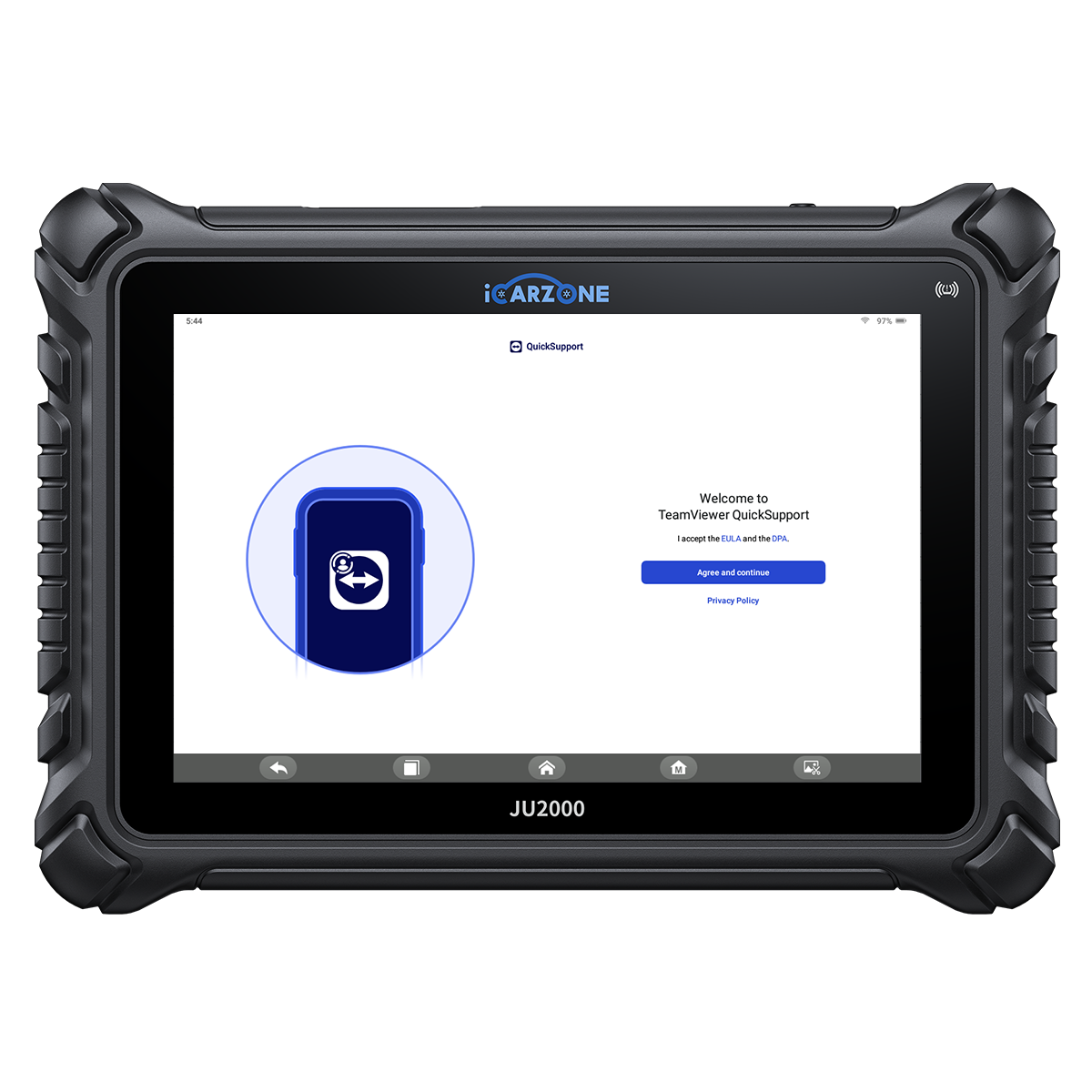
Record battery-monitor and PCM faults, recent battery work and available temperature data before deciding whether the specific software branch applies. Confirm the exact VIN, controller access and requested function before purchase.
Temperature plausibility and battery state are different observations. Do not transfer the Giulia update, learning procedure or battery-monitor layout to another model without current VIN-specific service information. The scanner does not replace physical measurements, specialized safety equipment or current workshop information.
How to Diagnose P0514 in 6 Steps
Use these six decisions with the current OEM procedure. Preserve the original event and stop when unsafe conditions or failed prerequisites prevent a valid next test.
P0514 Quick Diagnostic Path
-
1
Identify and preserve the event
- Identify the reporting controller, full description, build information and battery-monitor layout for the VIN.
- Record the conditions and result; resolve failed prerequisites before interpreting the next test.
-
2
Inspect the relevant condition
- Inspect accessible battery-monitor connectors and recent installation work; do not assume a battery replacement resets the cause.
- Record the conditions and result; resolve failed prerequisites before interpreting the next test.
-
3
Establish valid prerequisites
- Compare supported temperature information with the actual safe operating environment using the OEM plausibility procedure.
- Record the conditions and result; resolve failed prerequisites before interpreting the next test.
-
4
Separate the diagnostic branches
- Test the specified supply and wiring prerequisites before condemning a monitor from one displayed value.
- Record the conditions and result; resolve failed prerequisites before interpreting the next test.
-
5
Choose the proven repair path
- For an eligible Giulia, have qualified service check the current PCM software and complete the bulletin's required follow-up procedures.
- Record the conditions and result; resolve failed prerequisites before interpreting the next test.
-
6
Verify the original condition
- Verify the original monitoring condition and final module status; a successful update or erase command alone is not verification.
- Record the conditions and result; resolve failed prerequisites before interpreting the next test.
How to Fix P0514 and Verify the Repair
Correct the demonstrated connection fault
Authorize from the failed OEM test, then complete the required installation, setup and functional verification.
Repair the proven monitoring circuit
Authorize from the failed OEM test, then complete the required installation, setup and functional verification.
Apply an eligible OEM software repair
Authorize from the failed OEM test, then complete the required installation, setup and functional verification.
Replace a confirmed monitor fault
Authorize from the failed OEM test, then complete the required installation, setup and functional verification.
Diagnostic work
VIN-specific quoteRequest a diagnostic allowance and the failed test supporting the proposed repair. Reading a code and proving its cause are different services.
Parts and labor
VIN-specific quoteObtain VIN-specific parts and itemized installation labor. Include only seals, fluids or connectors actually required by the proven repair.
Software and setup
VIN-specific quoteWhere required, request the applicable OEM reference, software version and completion record. Scanner marketing does not establish manufacturer programming access.
Verification
VIN-specific quoteInclude the prescribed functional check and final scan. Ask how the original complaint and relevant monitor will be verified.
Request an itemized VIN-specific estimate after the cause is proven. Separate diagnosis, parts, labor, required setup and verification; check warranty terms. No universal repair price or failure rate is assigned.
Keep original and final scans, repair details, required software information and the verification result together. Those records help assess a returned fault without repeating an unsupported parts replacement.
P0514 OEM Differences and DIY Limits
The OEM example above is conditional. Match model, engine, build scope, full fault description and companion faults before applying its repair decision. Current VIN-specific service information takes precedence.
Match the exact application stated in the meaning section. A bulletin is not a universal repair instruction.
Temperature plausibility and battery state are different observations. Do not transfer the Giulia update, learning procedure or battery-monitor layout to another model without current VIN-specific service information.
Record battery-monitor and PCM faults, recent battery work and available temperature data before deciding whether the specific software branch applies.
The code does not establish interchangeable parts, sensor locations, connector pins or monitor thresholds. Keep the cited example within its stated scope and use current instructions for other vehicles.
- Save an accessible scan without clearing the original event.
- Record warnings, operating conditions and recent service.
- Inspect only safely accessible external areas with the system secured.
- Ask the repairer to explain the failed test and verification plan.
- Perform high-voltage, hot-fluid, pressurized or internal-system work only with qualified equipment.
- Use the OEM procedure for circuit isolation, powered measurements and output tests.
- Complete programming or calibration only when required and properly supported.
- Stop testing when warning messages or abnormal operation make continuation unsafe.
Frequently Asked Questions About P0514
What does P0514 mean?
What should I check first for P0514?
Can I keep driving with P0514?
Will clearing P0514 fix the problem?
Does the cited OEM repair apply to every P0514 vehicle?
Can JU2000 diagnose this code?
How much does a P0514 repair cost?
What if P0514 returns after repair?
Sources and Technical Review Notes
- FCA 18-030-17: Eligible Giulia PCM Software Update — Supports the stated definition or bounded OEM example; current VIN instructions remain necessary.
- Official iCARZONE JU2000 product page — Current public product capabilities, price and primary product image; no code-specific coverage guarantee.
- iCARZONE OBD-II Code Center — Related educational guides; not a substitute for manufacturer test specifications.
0 comments