
P2167 Code: Throttle/Pedal E Maximum Stop

P2167: Check the Intended Endpoint
Sensor E is a logical designation; confirm the actual component and performance test.
DIAGNOSTIC FOCUS
- FAULT TYPE
- Throttle/pedal position sensor E
- FIRST CHECKS
- OEM designation, endpoint evidence and recent work
Maximum-stop performance is not interchangeable with a circuit-high fault.
P2167 identifies throttle/pedal position sensor E maximum stop performance. Identify the exact signal and OEM maximum-stop test before touching the throttle or pedal. Separate actual travel, electrical signal and required setup rather than assuming a stuck-open throttle or universal relearn.
Preserve the full scan before clearing. A code identifies a monitor result, not a failed replacement part or a safe driving distance.
What Does the P2167 Code Mean?
Electronic throttle and pedal systems use position information to manage driver demand and actuator behavior. P2167 names sensor E maximum-stop performance in the cited primary reference. Performance at an expected endpoint is a different diagnostic result from a simple circuit-high or circuit-low label. Do not infer an electrical failure direction from the word maximum.
E is a logical sensor designation, not a reliable instruction to find a fifth physical sensor. The manufacturer defines the actual throttle or pedal component, related channels and test conditions. Match the full descriptor and wiring to the vehicle rather than ordering whichever part a generic scanner icon depicts.
Recent pedal, throttle, battery or controller work is relevant history but does not prove a missing relearn. Some repairs require a specified setup procedure; others do not. This article supplies no universal pedal sequence, throttle-opening percentage, signal voltage or cleaning instruction. Use the actual OEM failed-test branch.
P2167 identifies throttle/pedal position sensor E maximum stop performance.
Compare the OEM-designated signal and endpoint behavior with actual travel and any explicitly required setup.
The base code does not prove a stuck-open throttle, a failed fifth sensor or a universally required throttle relearn.
P2167 Symptoms, Severity, and Driving Safety
Save the exact message and companion position or actuator faults.
Assess the actual behavior and owner-manual instructions; do not force the pedal to test a restriction.
Record the installed part and completed setup rather than assuming that every post-service code requires a reset.
Intermittent concerns require the saved event and status. A presently normal display does not disprove the original fault.
Save companion warnings and module faults to identify prerequisite problems and the event sequence.
Record recent battery, wiring, component and software work. Timing is evidence, not proof of causation.
Unexpected acceleration response, inability to control engine output or unreliable pedal behavior requires an immediate safe stop and qualified assessment. The code alone cannot establish safe continued driving.
P2167 Causes and the Evidence That Separates Them
Use the exact vehicle procedure to separate these possibilities. They are not a ranking of common failures; the base code cannot select the repair.
Physical travel or installation concern
An installation or travel issue can affect endpoint performance on applicable designs. The code alone does not identify dirt, an obstruction or the location of the monitored component.
How to prove it: Inspect the identified component and its permitted travel using OEM instructions. Do not force an electronic throttle or alter a pedal stop.
Check firstPosition signal or related circuit concern
A signal that does not represent the expected endpoint can arise from different electrical or component branches. A performance code does not choose the failed part.
How to prove it: Compare the designated channel and required related data with approved measurements. Do not apply a universal voltage or percentage limit.
Check firstRequired setup or adaptation condition
A specified setup may matter after particular repairs, but it must be established from the service procedure rather than inferred from the code.
How to prove it: Confirm the exact repair trigger, prerequisites and completion result. Do not repeat an unrelated reset menu as a diagnostic strategy.
Verify directlySupporting supply or ground
A supporting electrical fault can affect several functions. Check companion codes and the VIN diagram before treating each stored code as a separate component failure.
How to prove it: Test the specified supply and ground under OEM conditions. Do not invent a universal voltage-drop or resistance limit.
Verify directlyInstallation or recent work
Review disturbed connections, installed parts and required setup when the fault follows service work. Timing alone does not prove causation.
How to prove it: Match installation and required setup to the VIN before repeating a reset.
Verify directlyController or software
Consider this branch after the required external checks. A bulletin for another application does not authorize programming this vehicle.
How to prove it: Confirm current OEM applicability, software and prerequisites. Record the required verification after any justified update.
Final branchDo not confuse endpoint performance with circuit high, channel correlation or a generic throttle-cleaning recommendation.
Using JU2000 During P2167 Diagnosis
On a supported vehicle, iCARZONE JU2000 can preserve accessible system faults, available freeze frame and relevant live data. Save a report before erasing the event.
JU2000 may preserve compatible engine faults and supported throttle/pedal data. Confirm the exact sensor E channel and any required routine by VIN. A general throttle-adaptation menu does not establish support for this maximum-stop procedure.
The official page describes full-system diagnostics and bidirectional controls on supported applications. Exact controller access, PIDs, active tests and routines depend on the VIN and software. A general feature does not prove support for this procedure.
iCARZONE JU2000 All-System Bidirectional Scan Tool
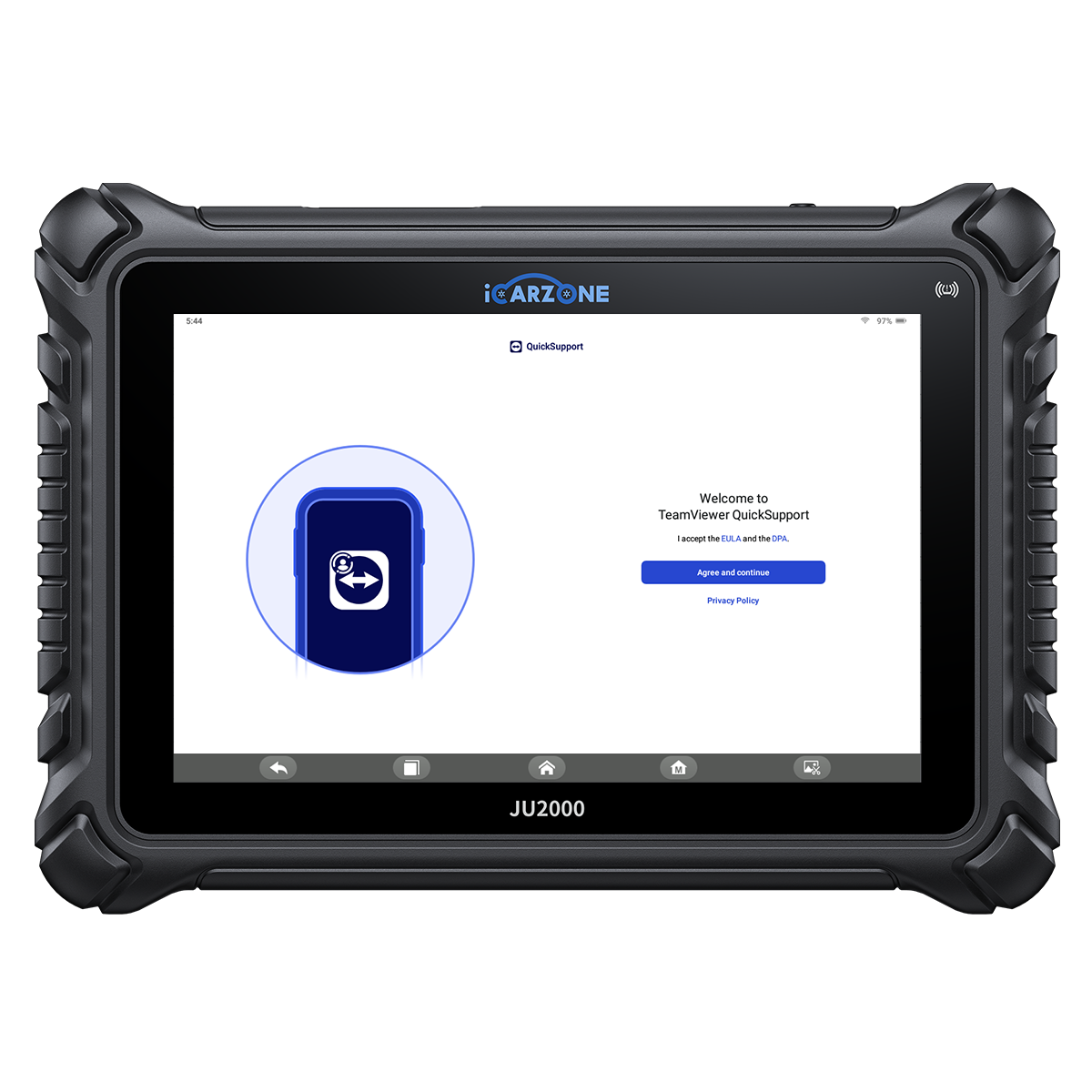
Save the throttle/pedal event and compare supported position data before clearing or attempting a reset.
Confirm the exact vehicle and required function with iCARZONE before purchase. Use OEM-required equipment where specified. Scanner data does not replace physical measurement or remove active-test safety prerequisites.
How to Diagnose P2167 in 6 Steps
Preserve evidence, identify the application and follow its diagnostic branches. Resolve a failed prerequisite before moving to a more intrusive test.
P2167 Quick Diagnostic Path
-
1
Preserve the complete event
- Save the full OEM wording, suffix, module, active/history status and available freeze frame. Record operating conditions, warnings and recent work.
- Keep companion codes. Missing scanner access is a tool limitation, not proof of vehicle failure.
-
2
Identify the intended component and monitor
- Match the vehicle, controller and full descriptor to current service information. Determine which signal E represents and how maximum-stop performance is evaluated.
- Preserve companion circuit, correlation and actuator codes. Do not transfer a test from another throttle or pedal channel.
-
3
Inspect permitted physical and electrical conditions
- With the vehicle safely disabled as required, inspect the identified component, connections and recent installation work. Do not adjust a stop or force an electronic actuator.
- A qualified technician should compare permitted travel and the designated signal using the exact test state and specifications.
-
4
Separate a failed endpoint from incomplete setup
- Follow the OEM branch to distinguish physical travel, signal integrity and an explicitly required setup condition. Record which observation failed.
- Perform adaptation only when the procedure requires it and supported equipment confirms the routine. Do not use cleaning or a generic pedal sequence as a universal repair.
-
5
Choose an evidence-supported repair
- Use current VIN-specific diagnostics and applicable bulletins. Ask which finding excludes the alternative branches before authorizing a part.
- Confirm required programming or learning and equipment support. A generic menu name does not establish an OEM capability.
-
6
Verify the original monitor and save the outcome
- Verify the required endpoint performance and original operating concern under OEM conditions. Document any mandated setup completion and final scan rather than accepting code clearance or a smooth idle alone.
- Save the final scan and verification conditions. Distinguish command acceptance, code clearance, monitor completion and demonstrated repair. Compare returning faults before replacing another part.
How to Fix P2167 and Verify the Repair
Correct a proven travel or signal fault
Repair the demonstrated installation, circuit or component concern using the OEM method. Do not alter factory travel stops.
Complete an explicitly required setup
When the actual repair requires adaptation or learning, use supported equipment and prerequisites and record successful completion.
Correct the demonstrated external condition
Repair the proven connection, installation or supporting path using the OEM method. Record the failed test and the correction.
Complete required setup and verification
Perform required setup with approved equipment and prerequisites, then verify the original monitor. Code clearance alone is insufficient.
Diagnosis
VIN-specific quoteAsk for a VIN-specific diagnostic quote identifying the checks and evidence included.
Parts and labor
VIN-specific quoteSeparate proven repairs from exploratory replacement. The code cannot price the required work.
Required procedures
VIN-specific quoteInclude programming, learning or fluid handling only where the repair requires it.
Verification
VIN-specific quoteSpecify how the original concern will be verified; check applicable warranty coverage separately.
The repair report should name the monitored signal, failed endpoint evidence and any required setup. Avoid unexplained throttle-body replacement or reset charges based solely on the label.
These are planning categories, not prices to add together. Obtain a local quote connecting each operation to a demonstrated fault and stating what remains uncertain.
P2167 OEM Differences and DIY Limits
The primary diagnostic-tool reference establishes the maximum-stop performance wording. No verified vehicle-specific bulletin is used here to claim a universal throttle-body failure, cleaning fix or relearn sequence.
Base description only; component identity, endpoint limits and setup requirements are application-specific.
Compare the OEM-designated signal and endpoint behavior with actual travel and any explicitly required setup.
Exact position measurements and service routines may require OEM equipment beyond generic live data.
Use current OEM information to identify signal E and the component architecture. The same generic throttle/pedal phrasing can lead to different test points and service operations on different vehicles. A scan-tool menu must be verified for the exact procedure.
- Save the full code, module and available event data.
- Record warning messages and recent repair history.
- Check the owner manual before deciding whether to move the vehicle.
- Record the full fault and recent work; inspect visible pedal-area objects only with the vehicle safely stopped.
- Do not jumper unidentified terminals or bypass a monitored circuit.
- Do not open or probe a system without its OEM safety procedure.
- Do not force the throttle plate, modify stops or run unidentified actuator/adaptation routines.
- Do not use a clear-code result as proof that the cause is repaired.
Frequently Asked Questions About P2167
Does maximum stop mean the throttle is stuck open?
Is E the fifth physical sensor?
Is P2167 the same as circuit high?
Will a throttle relearn always fix it?
What should I save before clearing the code?
What should the repair estimate explain?
Can iCARZONE JU2000 diagnose and clear this fault?
Why can a code return after a part was replaced?
Sources and Technical Review Notes
- Snap-on diagnostic trouble-code reference — Base description only; not OEM monitor thresholds, pinouts or a repair authorization.
- Official iCARZONE JU2000 product page — Current product, price and image check; all vehicle-specific functions require separate confirmation.
0 comments